Inspection template
The reusable structure that defines sections, questions, required evidence and the order of field work.
MeetInspect keeps fieldwork moving even when the signal stops

Glossary
A shared vocabulary helps administrators, inspectors and reviewers make consistent decisions about templates, evidence and reports.
What it covers
These definitions describe how the concepts are used across MeetInspect documentation and workflows.
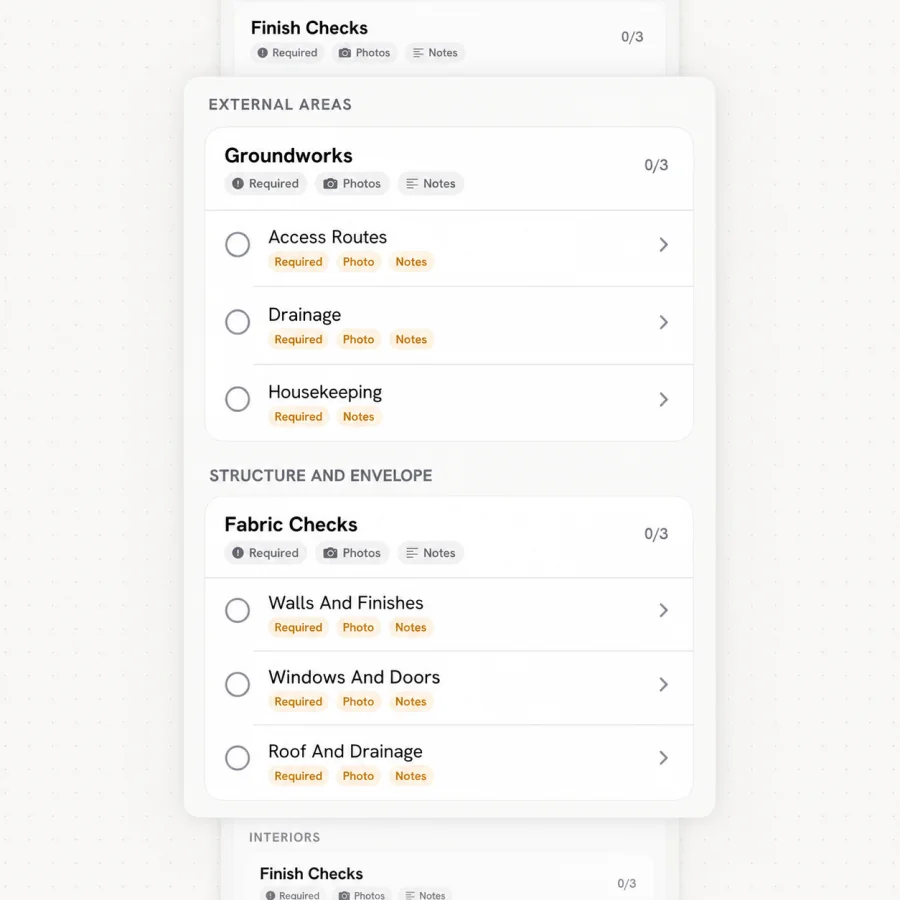
The reusable structure that defines sections, questions, required evidence and the order of field work.
One scheduled or completed instance of a template, tied to the relevant property, people, answers and evidence.
An observed condition or issue recorded during review or field capture that may require attention or follow-up.
A task or response used to resolve a finding, including its owner, status and supporting information where configured.
A photograph, annotation, note, answer, signature or other record that supports an inspection conclusion.
The process that transfers saved mobile inspection work into the shared workspace after connectivity returns.
In practice
The organisation-level area that contains members, roles, properties, templates and inspection operations.
An operational grouping used to organise parts of a workspace where that structure is enabled.
A generated output based on the reviewed inspection record, commonly provided as a PDF.
In depth
Three words do most of the work in any inspection system, and confusing them causes real operational problems. A template is the reusable structure. A record is one instance of that structure completed against a specific property at a specific time. A report is an output rendered from that record.
The distinction matters because they change independently. Editing a template should not alter completed records. Regenerating a report should not create a second record. Systems that blur these boundaries produce the situation where nobody can say confidently what was actually observed on a given date.
A finding is an observation: something was seen to be in a particular state. A corrective action is a response: somebody is expected to do something about it. Keeping them separate is what allows an inspection to record a problem without prejudging the remedy — and allows the remedy to be tracked independently of the inspection that raised it.
Merging the two is a common shortcut and it costs visibility. When findings and actions are the same object, closing the action erases the observation, and the history of what was found stops being retrievable.
Evidence in an inspection context means anything that supports a conclusion: photographs, annotations, notes, structured answers, signatures. What makes it evidential rather than merely present is attachment and provenance — knowing what it documents, when it was captured and by whom.
An image with none of that context is data, not evidence. The distinction becomes apparent precisely when it matters most, which is when somebody disputes the record.
Synchronisation describes transferring work captured on a device into the shared workspace. It is worth understanding as a distinct step rather than an implementation detail, because the window between capture and synchronisation is the period in which an inspection exists in only one place.
Operationally this means synchronisation status is something field teams should be able to see. Work that has been captured but not yet transferred is not yet safe, and the person who captured it is the only one who can act on that.
Next step
Explore the related guidance, or speak with MeetInspect about the inspection your team needs to run.
Field-first inspection software for consistent evidence, offline capture and professional reports.

© 2026 MeetInspect. All rights reserved.