Prepare while connected
Make sure assigned work and the relevant template are available before entering a low-signal environment.
- Assigned inspections
- Prepared templates
- Clear field brief
MeetInspect keeps fieldwork moving even when the signal stops

Work without signal
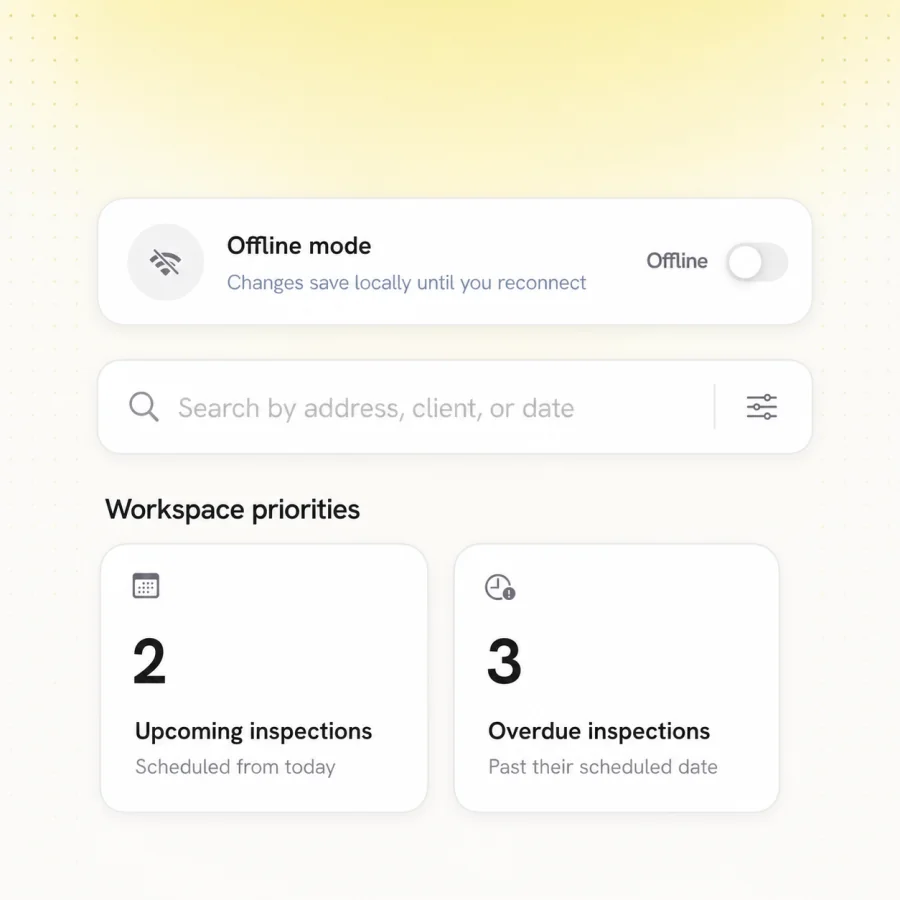
Complete guided inspections when a basement, remote property or work site has poor connectivity. MeetInspect saves field answers and evidence on the iOS device and synchronises the inspection after a connection returns.
Who it is for
For field teams whose work cannot pause because Wi-Fi or mobile coverage is weak, intermittent or unavailable.
About MeetInspect
MeetInspect is inspection management software for professional field teams, with a native iOS inspection app and web administration platform.
MeetInspect helps teams create reusable inspection templates, schedule inspections, work offline, capture photos, videos, notes and signatures, document defects and generate professional inspection reports.
Capabilities
Make sure assigned work and the relevant template are available before entering a low-signal environment.
Complete questions and save supporting inspection evidence on the device without an active connection.
Keep the app installed and remain signed in while offline work is waiting to synchronise.
Return to a stable connection so the mobile record can upload to the shared web workspace.
How it works
Open assigned inspections on a connection and confirm they are ready on the iOS device.
Capture the structured inspection record and evidence locally without signal.
Reconnect, allow synchronisation to complete and confirm the record appears for review.
FAQ
Related workflows
Field-first inspection software for consistent evidence, offline capture and professional reports.

© 2026 MeetInspect. All rights reserved.