Skip to content

MeetInspect keeps fieldwork moving even when the signal stops

MeetInspect

Inspection features

Tools for consistent fieldwork and faster reporting

Capture rooms, notes, photos, annotations and signatures in a guided workflow that works even when the signal does not.

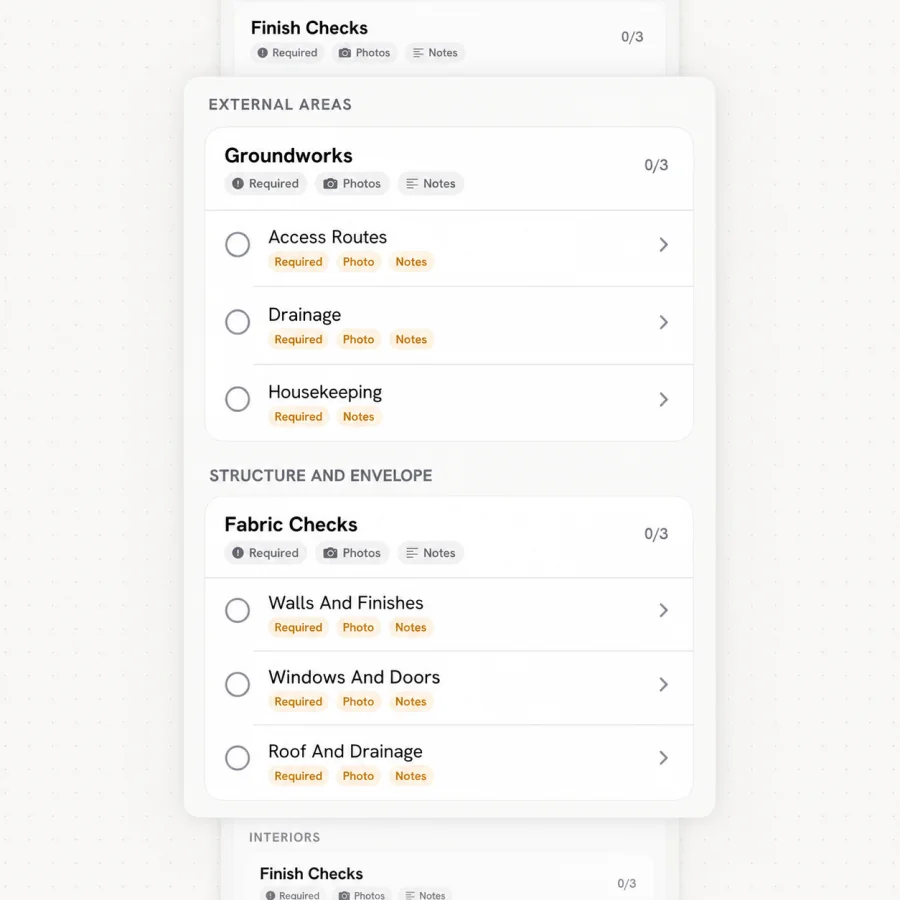
MeetInspect guided inspection checklist with required evidence
Learn more

Includes

  • Structured checklistsFollow the same inspection sequence across every property.
  • Room-by-room evidenceKeep notes, outcomes and photos attached to the right part of the record.
  • Required photosMake important evidence visible before the inspection moves forward.
  • AnnotationsAdd context directly to captured evidence.
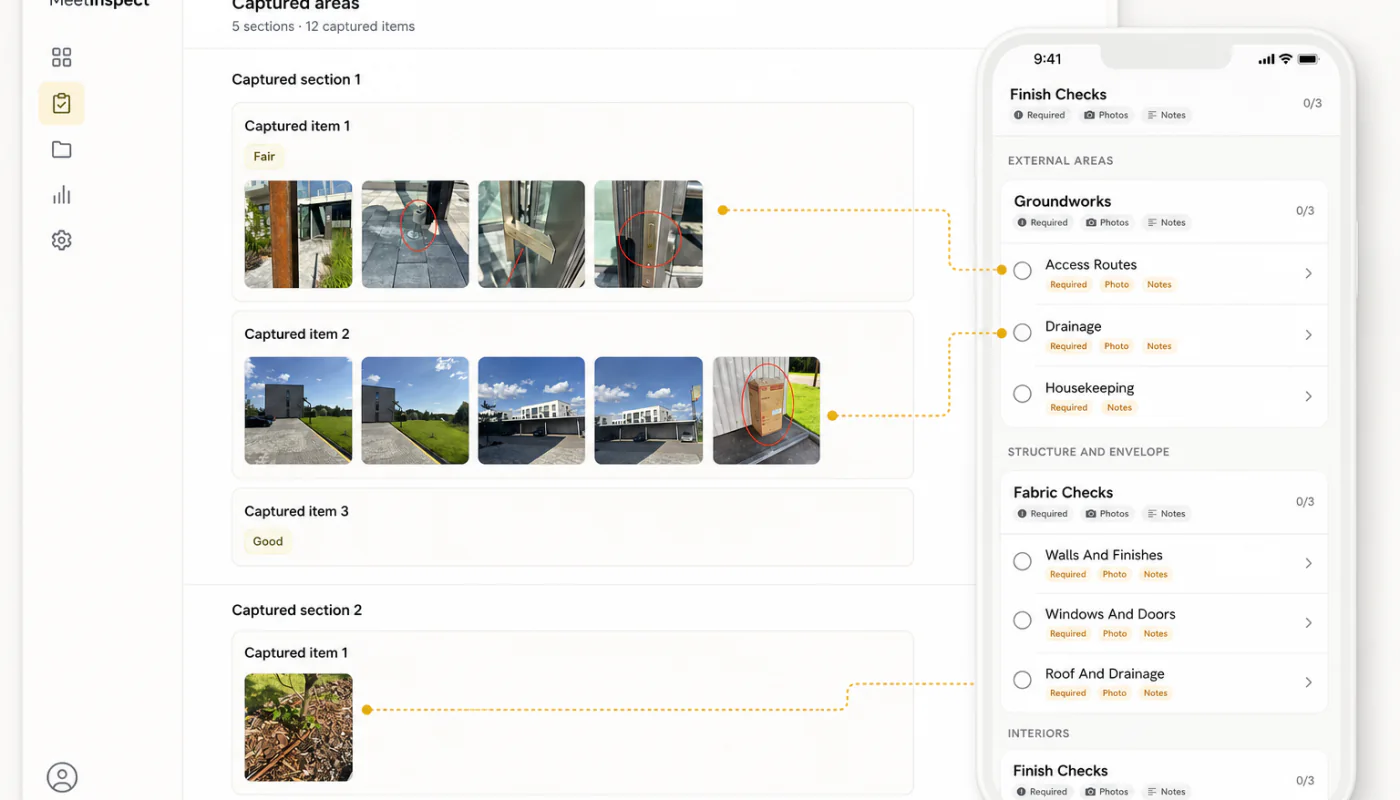
Guided field capture product interface

Field to report

Built for consistent inspections. Connected from start to finish.

Consistency by design

Templates and guided capture help every inspector collect the same standard of evidence.

Fieldwork keeps moving

Offline capture supports the visit when the signal does not, with synchronisation after reconnecting.

One connected record

Evidence, actions, signatures and reports remain connected from the first checklist to the final report.

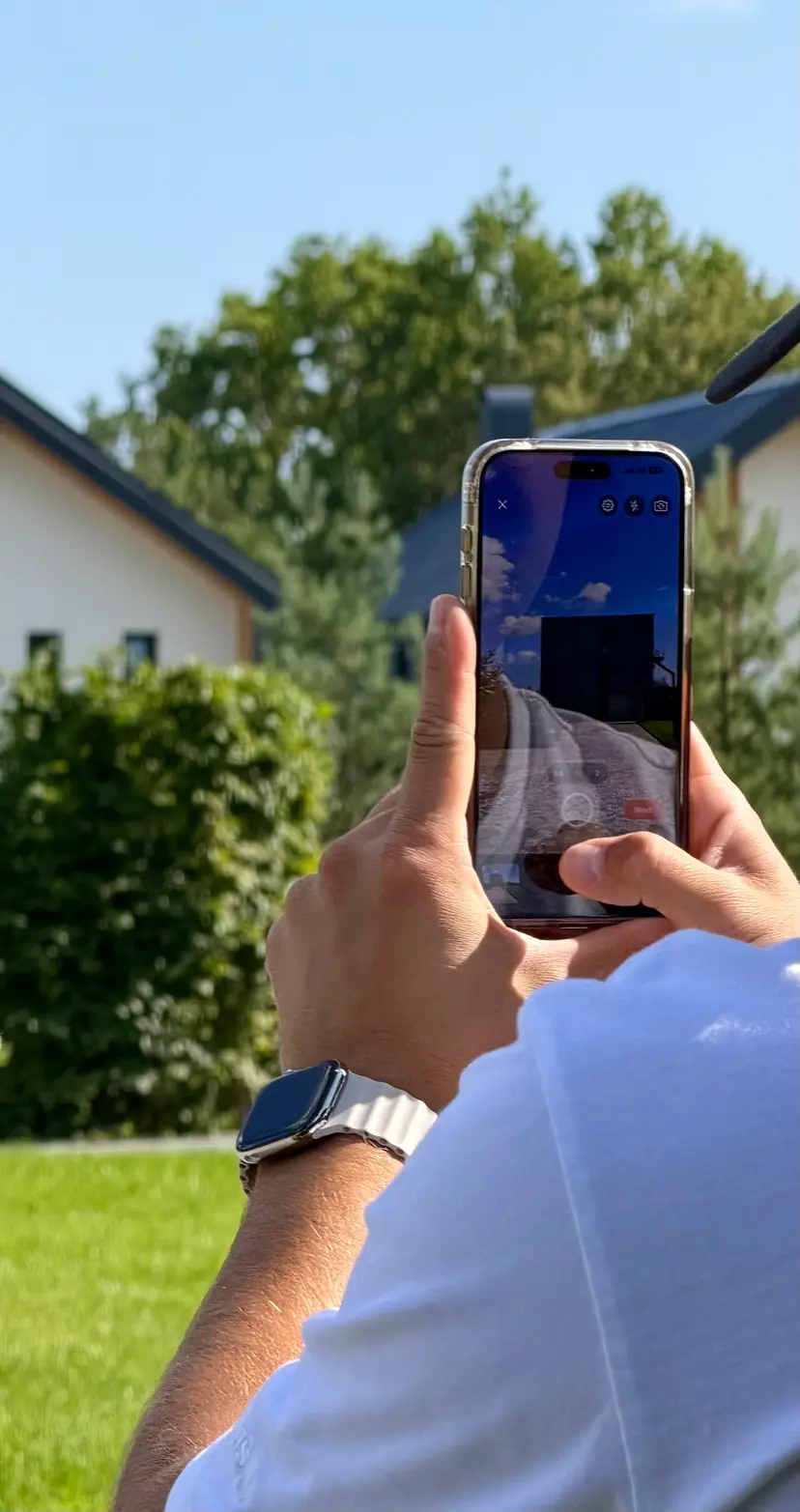
Inspector capturing property evidence with the MeetInspect mobile app
One workspace for every inspection workflow
Property professional preparing an inspection template from plans and evidence

Start with your workflow

What does your team inspect?

Describe the property, evidence and reporting standard. MeetInspect will carry the brief into your new workspace.

Prefer to talk?

Talk to us

In depth

The capabilities that decide whether a programme works

Reusable templates

Templates define the sections, questions, required evidence and order of an inspection. They are the mechanism by which an organisation's standard reaches every inspector without depending on anyone remembering a briefing.

Their second function is comparability. Because every inspection created from a template asks the same questions in the same order, the resulting records can be read against one another — which is what turns a pile of completed visits into something an organisation can analyse.

Evidence capture that stays connected

Photographs, notes, structured answers and signatures are only evidence if they remain attached to what they document. MeetInspect captures photos inside the Inspection Runner, so an image belongs to the specific check that required it at the moment it was taken rather than accumulating in an undifferentiated gallery.

That attachment is what makes a record interpretable a year later, which is generally when inspection evidence is needed.

  • Structured answers alongside free-text notes
  • Photographs attached to the check that required them
  • Signatures captured against the record being signed
  • Evidence retained as the inspector moves through the workflow

Offline field capture

Offline support exists because inspection happens in basements, plant rooms, rural properties and steel-framed buildings. MeetInspect includes offline inspection logic intended to let work continue when connectivity is unavailable or unreliable, synchronising once the device reconnects.

The operational consequence worth understanding is that captured-but-unsynchronised work exists only on the device. Field teams should be able to see synchronisation status, and should let pending work upload before signing out.

Review and reporting

Review is where missing evidence and incomplete answers are caught while correcting them is still cheap. After a report is issued, the only remedy for a gap is another visit.

MeetInspect generates PDF reports from the completed inspection record. Because the report renders the record rather than restating it, the document circulated and the data retained cannot drift apart.

Common questions

What does an inspection template control?
The sections, questions, required evidence and order of an inspection. It is how one organisational standard reaches every inspector, and why records created from it can be compared with one another.
How is photographic evidence kept usable?
By attaching each photograph to the check that required it at the moment of capture, rather than collecting images against the inspection as a whole. That is what keeps a record interpretable long after the visit.
What happens to inspection work captured offline?
It is retained on the device and synchronised into the workspace once connectivity returns. Until that happens the work exists in one place only, which is why pending uploads should complete before signing out.