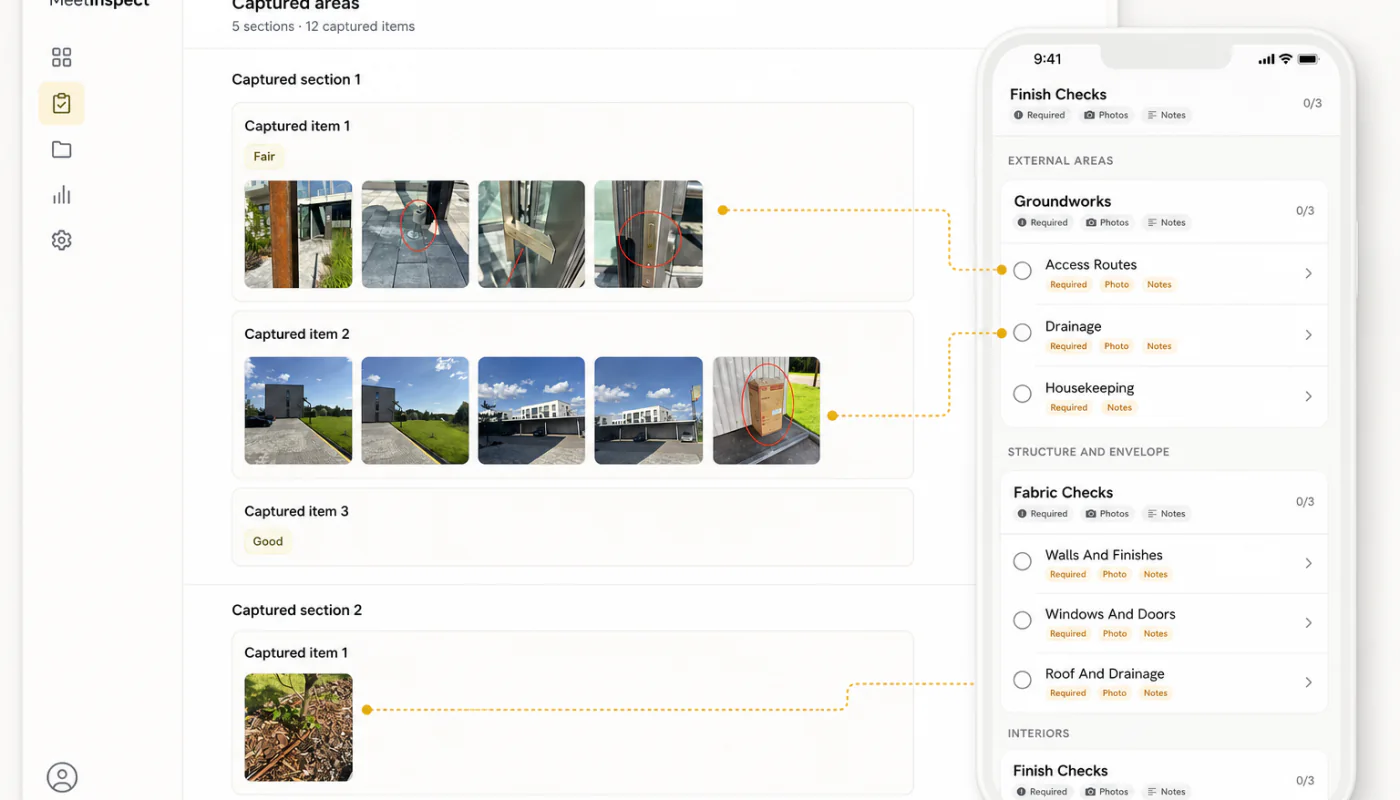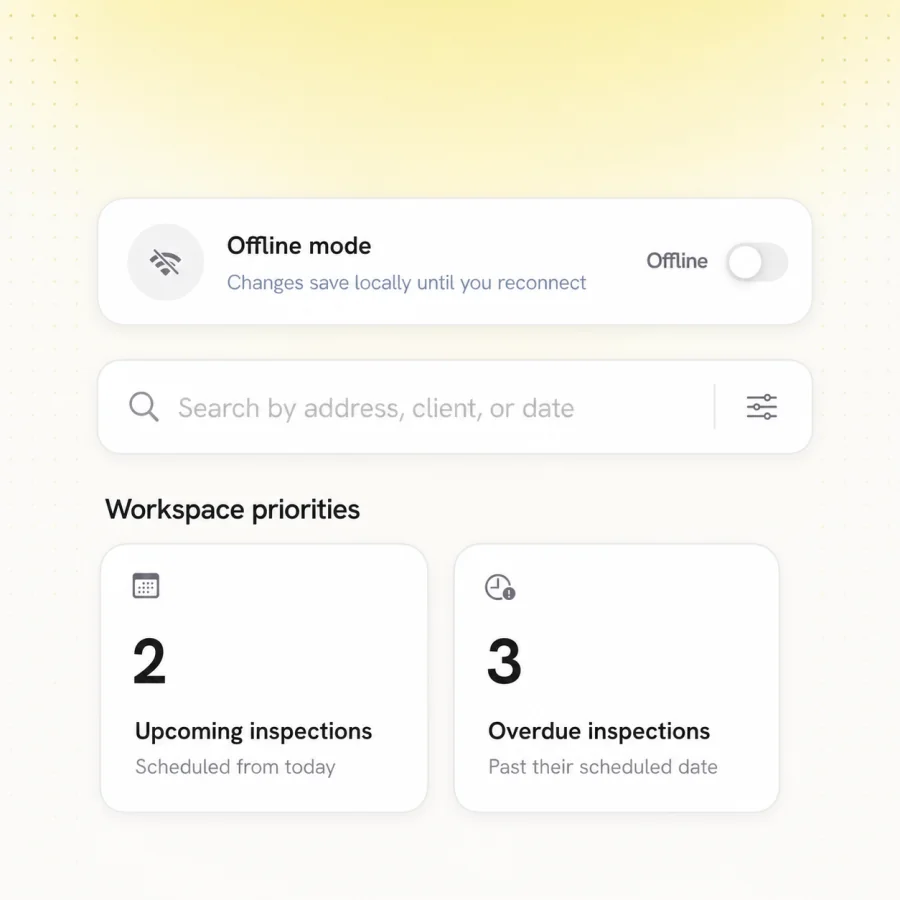
Offline inspection is not simply a form that remains visible without a signal. The whole visit has to keep working: templates, room data, photos, notes, signatures and completion rules.
A dependable offline workflow lets the inspector focus on the property, then returns one complete record to the office after the device reconnects.
01
Prepare the visit before the signal disappears
The assigned property, inspection type and current template should be available on the device before arrival. Clear preparation removes the need to search for records or rebuild a checklist on site.
- Download the correct property and template
- Show synchronisation status clearly
- Keep required evidence rules on the device
02
Keep every piece of evidence connected
Photos and notes need to remain attached to the exact room, asset or question that created them. A folder of unlabelled images is technically offline, but it is not an inspection workflow.
03
Make reconnection predictable
When connectivity returns, the inspector should see what has synchronised and whether anything still needs attention. Conflict handling, retries and visible status matter more than a dramatic loading animation.
04
What “offline” actually has to cover
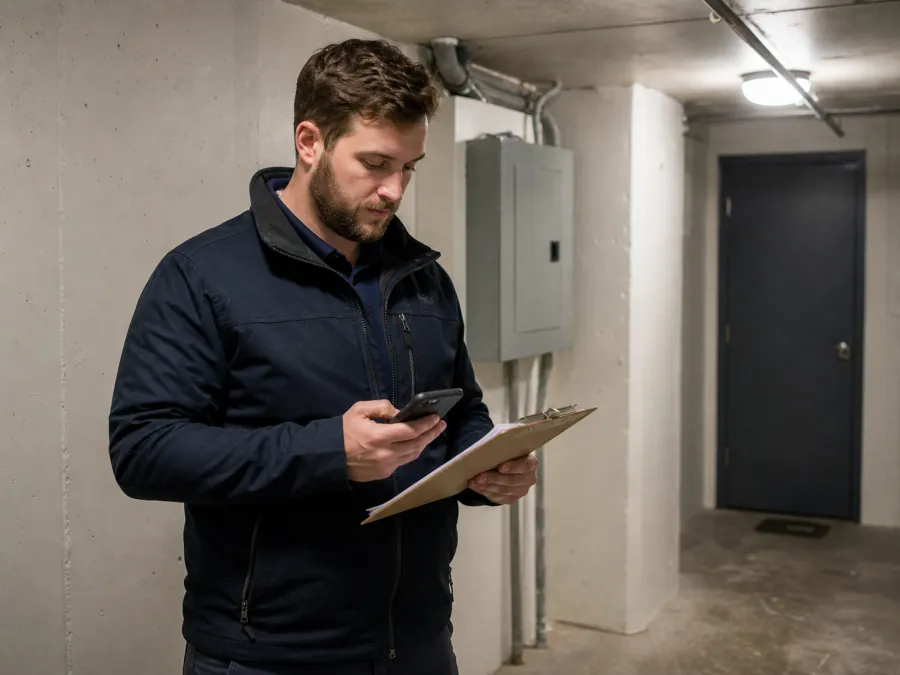
The phrase covers an enormous range of behaviours, from a fully functional inspection that synchronises later to a form that stays on screen but loses its contents when the app is closed. The difference is invisible in a demonstration and decisive in a basement.
The questions worth asking are concrete: what can be started without a connection, what can be completed, what happens to photographs, what happens if the application is closed before reconnecting, and how a failed synchronisation makes itself known.
- Establish what can be started offline, not just viewed
- Confirm what happens to photographs specifically
- Test closing the app mid-inspection
- Check how sync failures surface to the inspector
05
The window where work exists once
Between capture and synchronisation, an inspection exists in exactly one place. Everything else in offline field practice follows from that: do not sign out, do not reinstall, do not clear data, and treat the visit as unfinished until the upload completes.
These cautions feel excessive until the first time a day of work disappears. They are not arbitrary — they describe the only period in which there is no second copy.